
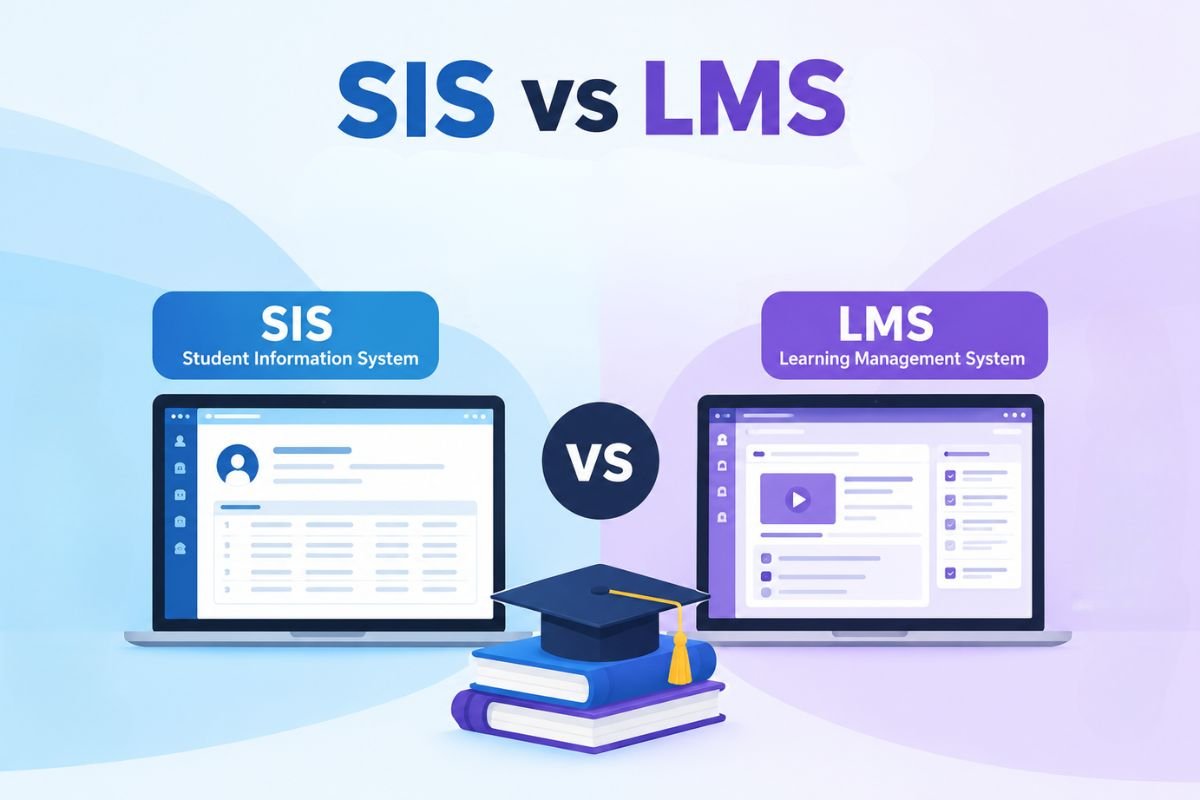
A Learning Management System (LMS) manages teaching and learning, while a Student Information System (SIS) manages student records. Both LMS and SIS help schools run better, but they serve different needs. An LMS helps teachers share lessons, set tasks, and track student progress. An SIS handles student data, fees, grades, and attendance.
But how do these systems differ today? Can one system replace the other? This guide covers their history, key features, and shared uses. It also explains when to choose an LMS, an SIS, or both.
What are LMS and SIS, and How Did They Develop?
An LMS is software that helps teachers create, share, and manage lessons. It also helps them set tasks and track student progress.
Its roots go back to the 1920s, when Sidney Pressey built a machine for automated tests and feedback. In 1960, the University of Illinois developed PLATO, which used computers to deliver lessons. These tools aimed to reduce the limits of classroom teaching and manual tests. They made it easier to deliver lessons and track learning.
A Student Information System (SIS) stores and manages student data, such as admissions, grades, fees, and attendance.
Before digital tools, schools used paper records and files. This made data management slow and prone to errors. In the 1970s, schools began using mainframe computers to store student records. Smaller computers and web-based tools later made these systems easier to access and use.
LMS vs SIS: How Do They Differ Today?

LMS and SIS tools still serve their main roles today. But both have grown to offer more features. Modern LMS tools support online lessons, mobile usage, Top Mobile Learning Platforms, and student data reports. SIS tools now support online forms, parent portals, and auto-generated reports.
The main difference is what each system helps schools manage. An LMS focuses on lessons, tests, and student learning. An SIS focuses on student data and school tasks. Their users, tools, and data also differ.
| Comparison factor | LMS (Learning Management System) | SIS (Student Information System) |
| Main purpose | Manages lessons, courses, and student learning. | Manages student data and school records. |
| Main users | Teachers, students, and course staff. | School admins, teachers, students, and parents. |
| Core tasks | Shares lessons, sets tasks, runs tests, and tracks progress. | Handles admissions, enrollment, fees, grades, and attendance. |
| Type of data | Stores lessons, test scores, tasks, and student activity. | Stores names, contact details, grades, fees, and school records. |
| Teaching and learning | Gives teachers tools to share lessons and teach online. | Stores class and student data but does not run full lessons. |
| Student tests | Lets teachers set tests, grade work, and track scores. | Stores final grades and helps create report cards. |
| Communication | Supports class chats, course news, and teacher feedback. | Shares news about fees, grades, attendance, and class times. |
| Reports | Tracks test scores, course use, and lesson progress. | Tracks student data, grades, fees, and school records. |
| User access | Gives users access based on their role in a course. | Limits access to student data based on staff roles. |
| Main benefits | Makes lessons easier to share and track. | Makes school records easier to store and manage. |
Purpose and daily use:
An LMS helps teachers manage what happens in class. For example, a teacher can share a lesson and set a quiz. They can then check student work and give feedback. An SIS helps staff manage each student’s school record. A 2019 study in Kenyan secondary schools found that 87.5% of teachers had adopted student management systems to manage student data and information.
Users and access:
Both systems serve teachers and students, but their roles differ. Teachers use an LMS to share lessons and check student work. They use an SIS to mark attendance and view student records. School staff use an SIS to manage fees, enrollment, and reports. Parents may use SIS portals to check grades and attendance.
Data and tests:
An LMS tracks how students use course content. It may show test scores, task results, and lesson use. An SIS stores official grades, report cards, and past school records. This difference is key.
Reports and benefits:
LMS reports help teachers spot students who need more support. SIS reports help staff track grades, attendance, and enrollment. Both systems give schools data to guide key choices. They also offer many benefits of LMS, like helping staff save time and cut manual work. For example, a 2025 study found that LMS cut the time spent uploading grades from 45 min to 15 min.
Do LMS and SIS Overlap or Work Together?

Yes, they have some shared features. Both may store student names, class details, grades, and attendance. They also help staff share updates and track student progress.
The two systems work best when they share key data. For example, an SIS can send student names and class lists to an LMS. Teachers can then add students to the right courses. This saves time and avoids manual data entry.
After tests, the LMS can send grades back to the SIS. Staff can then use these grades to update student records. This keeps data in both systems in sync. It also gives teachers and staff a better view of student progress.
Many schools and colleges often use both LMS and SIS together. Schools should still set clear rules for data sharing. They must also limit who can view student records.
LMS vs SIS vs Both: What Should You Choose?

The right choice depends on what your school needs most. Choose an LMS Learning Management Systems to manage lessons, tests, and online learning. Choose an SIS to manage student data, fees, and records. Many schools need both, as each system serves a different role.
| Type of institution | Best fit | Why? |
| K-12 schools: Best LMS for K-12 Schools | Both | An SIS tracks fees, grades, and attendance. An LMS helps teachers share lessons, set tasks, and run tests. |
| SIS | An SIS may be enough if the school is small and mainly needs to track student data and attendance. | |
| LMS | An LMS can help if the focus is on online learning. | |
| Colleges and universities: best LMS for higher education | Both | An SIS manages admissions, course sign-up, fees, and grades. An LMS supports lectures, tasks, and online courses. |
Conclusion
Choosing between LMS and SIS depends on the gaps in your current setup. If your main concern is course delivery and student progress, an LMS is a better fit. If you need to simplify admissions, attendance, and record-keeping, consider an SIS. If both areas need attention, look for systems that work well together. Compare their features and integration options before making a decision.
FAQs
1. Can an LMS replace an SIS?
No. An LMS manages learning, while an SIS stores student data and school records.
2. Can an SIS replace an LMS?
No. An SIS stores student data but lacks full tools for online teaching.
3. Is Google Classroom an LMS or SIS?
Google Classroom is an LMS that helps teachers share lessons and manage classwork.
4. Does an LMS link with an SIS?
Yes. Many LMS tools link with an SIS to share student, class, and grade data.