
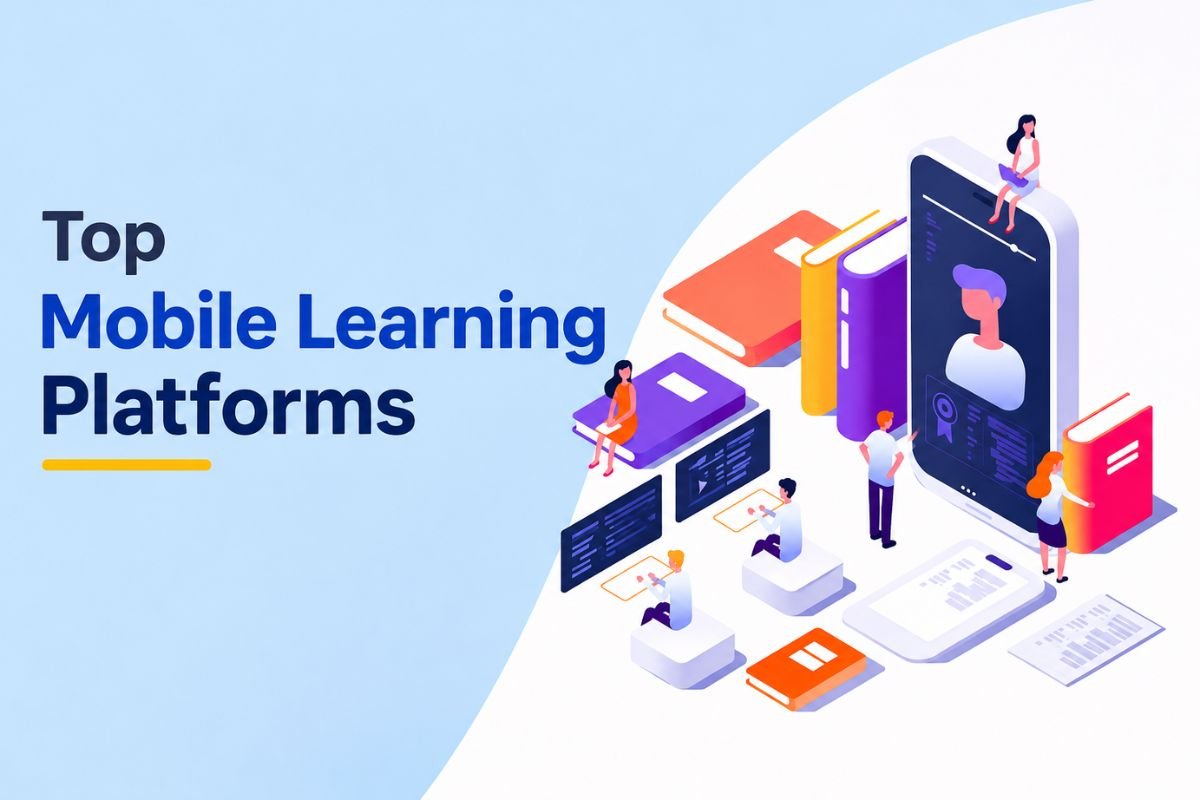
Mobile learning platforms let users access courses through smartphones and tablets. They can watch lessons, take tests, and track progress from anywhere. The top mobile learning platforms also offer offline access, alerts, and mobile-friendly lessons. These tools make learning easier beyond classrooms and office hours.
But not every LMS offers the same mobile features. Some focus on schools, while others support business training. This guide covers seven leading platforms and their key features. All the selected platforms are rated highly on G2, a major software review marketplace.
What are Mobile Learning Platforms? (And What’s Unique About Them)
Mobile learning platforms are learning management systems (LMSs) that work on smartphones and tablets. They let users access lessons, take tests, and track their progress. Learners can use mobile apps or web browsers to study without a computer.
Smartphone use is also growing across the world. India’s 2025 Comprehensive Modular Survey found that 97.6% of urban people aged 15–29 who owned a mobile phone actually owned a smartphone. This makes mobile devices a useful way to deliver lessons and training.
Here are the key features top mobile learning platforms offer:
- Responsive design: Fits course pages, menus, and text to different screen sizes.
- Mobile apps: Let users access lessons through Android and iOS devices.
- Offline learning: Allows users to download lessons and study without internet access. The app syncs their progress once they reconnect.
- Push alerts: Sends reminders about new lessons, tasks, tests, and deadlines.
- Microlearning modules: Breaks complex topics into bite-sized, 5-to-15-minute lessons designed for small smartphone screens.
- Gamification tools (gamification in LMS): Points, leaderboards, quizzes, badges, and role-play simulations to boost engagement.
- Video and audio support: Plays videos, audio files, and other course materials on mobile devices.
7 Top Mobile Learning Platforms for Flexible Learning
Learners need easy access to learning tools on their phones. The following seven LMS platforms offer mobile apps or mobile-friendly access. The order is based on G2 ratings, but each platform offers a different set of features to support various learning needs Learning Management System Features.
1. TalentLMS
TalentLMS offers mobile apps for Android and iOS devices. Learners can open courses, watch videos, take quizzes, and track their progress. They can also download supported lessons and study without internet access. The app syncs their progress once they reconnect. Points, badges, and leaderboards also help keep learners engaged.
Highlights:
- Offline learning with progress sync.
- Mobile quizzes, badges, and leaderboards.
- G2 rating: 4.6/5
- Best for: Small and mid-sized businesses.
2. Absorb LMS
Absorb LMS offers a mobile app for online courses and staff training. Learners can download supported lessons, take tests, and study offline. The app syncs their progress when they reconnect. Users can also browse course lists and follow learning paths. These tools help employees at LMS for Employee Development find the right courses and build new skills.
Highlights:
- Offline tests and course downloads.
- Mobile access to courses and learning paths.
- G2 rating: 4.6/5
- Best for: Enterprises and teams that work across locations.
3. Canvas LMS
Canvas LMS offers separate mobile apps for students and teachers. Students can view lessons, submit tasks, take quizzes, and join class talks. They can also check grades, calendars, and due dates. The app lets students download supported course content for offline use. Teachers can use a separate app to manage classes and grade work.
Highlights:
- Mobile task submission and grading tools.
- Course downloads, calendars, and alerts.
- G2 rating: 4.5/5
- Best for: K-12 schools and higher education institutions; best LMS for higher education.
4. LearnUpon
LearnUpon offers mobile apps for Android and iOS devices. Learners can start courses, take tests, and check their progress. Teachers and managers can also track learning tasks. Admins can manage users and view reports through the app. The platform also supports videos, documents, and SCORM content for online training.
Highlights:
- Mobile courses and progress tracking.
- User management and reports for admins.
- G2 rating: 4.5/5
- Best for: Businesses that train staff, partners, and customers.
5. D2L Brightspace
D2L Brightspace offers the Pulse app to help learners manage their courses. Users can check class schedules, due dates, and grades. They also get alerts about tasks and tests. The app supports offline access to some course materials, including videos and audio files. These tools help students stay on track on their phones.
Highlights:
- Alerts for grades, quizzes, and tasks.
- Offline access to supported course content.
- G2 rating: 4.4/5
- Best for: K-12 schools, Best LMS for K-12 Schools, universities, and enterprises.
6. Docebo
Docebo offers the Go. Learn app for mobile training. Learners can open courses, view lessons, and download supported files. They can also study offline and sync their progress later. The app helps staff learn from any location. Among the top mobile learning platforms, its training tools also help large firms manage courses across teams and offices.
Highlights:
- Mobile courses with offline downloads.
- Training tools for teams in different locations.
- G2 rating: 4.3/5
- Best for: Large enterprises.
7. Moodle
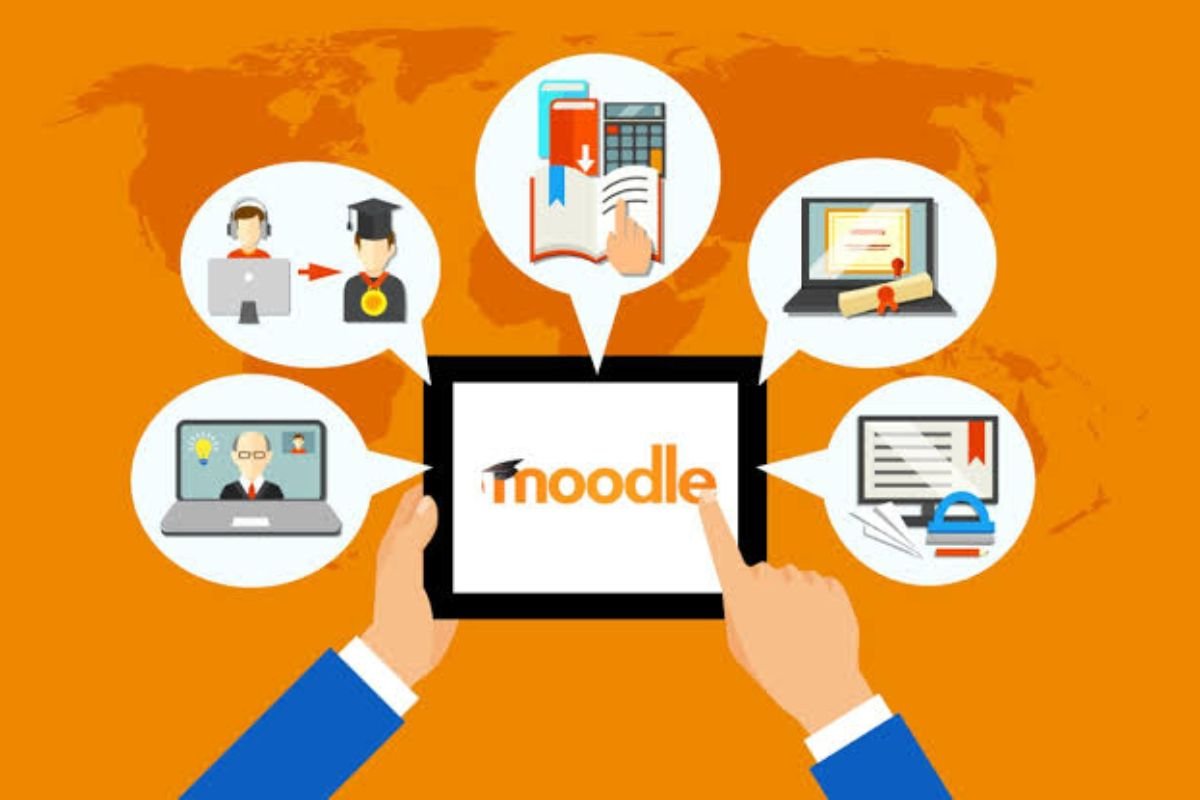
Moodle is an open-source LMS with a mobile app. Learners can view lessons, take quizzes, submit files, and check grades. They can also download course content and study offline. The app syncs their work when they reconnect. Push alerts also keep them updated about new tasks and course activities.
Highlights:
- Offline course access and progress tracking.
- Custom courses and mobile alerts.
- G2 rating: 4.1/5
- Best for: Schools and universities.
Editorial Note: G2 ratings are as of November 2026 and may change as users add new reviews. Mobile features may also vary by plan, device, and admin settings. Check with each vendor before you choose a platform.
Who Can Benefit From These Top Mobile Learning Platforms?
Mobile learning platforms help schools, colleges, and businesses beyond the classroom or office. They extend the benefits of LMS by letting learners access course content through their phones. This makes it easier to study and complete training at a time that suits them.
A 2019 study of 446 distance learners found that two-fifths of mobile device users noticed changes in their study habits and learning benefits.
K-12 schools:
Teachers can share lessons, tasks, and study files through mobile apps. Students can review lessons, check homework, and get alerts. Parents can also track learning when the learning management system offers parent access.
Universities:
Top mobile learning platforms allow students to view lecture notes, recorded classes, tests, and grades. They can also join class talks and review lessons off campus.
Enterprises:
Staff can complete new hire training, safety courses, and skill lessons from their phones. Offline access also helps field staff and remote teams study with poor internet. Managers can track course progress and task completion across teams.
Conclusion
Top mobile learning platforms make online lessons and staff training easier to access. Tools such as TalentLMS, Moodle, Canvas, and Docebo offer mobile apps and progress tracking. Some also let users study without internet access. The right choice depends on your goals, budget, and key needs. Compare their features, test their mobile apps, and choose an LMS that makes learning simple.
FAQs
1. Can learners access LMS courses offline?
Yes, many mobile LMS apps let users download lessons and sync progress later.
2. Are mobile learning platforms suitable for schools?
Yes, they help students access lessons, tasks, grades, and study files.
3. What is the difference between mobile learning and e-learning?
Mobile learning uses phones and tablets, while e-learning also includes desktop-based courses.
4. Are the top mobile learning platforms suitable for employee training?
Yes, they support new-hire training, safety courses, and skill development.